 Planners Schools and Students Love

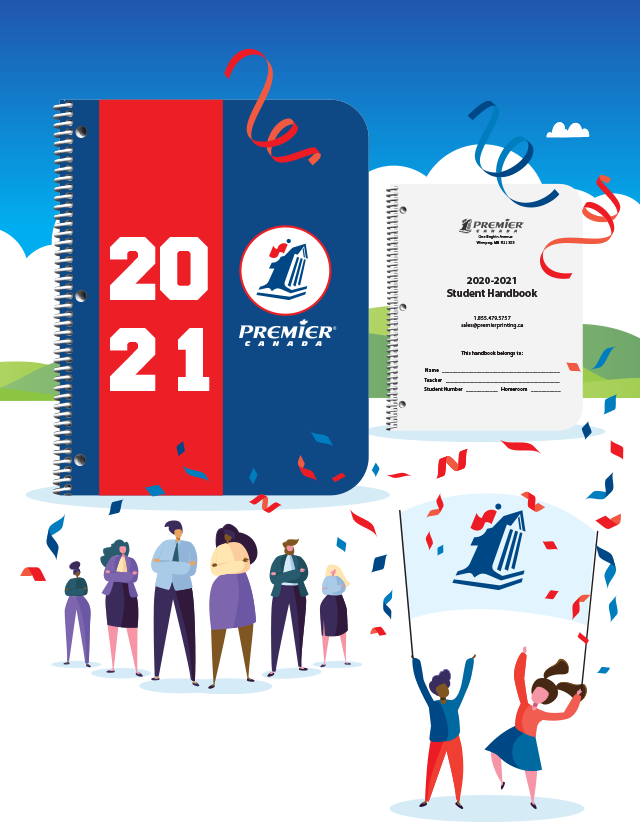
Meet the unique needs of your school, students, and families
through a variety of customization options.

Our easy-to-follow instructions guide you through setting up your handbook, designing a custom cover, and saving your files.

Download a template to ensure handbooks and covers meet the required specifications for printing.

Select from our library of existing reference pages to add to your school handbook.
A handbook is a powerful addition to your student planner. It allows you to include your school’s policies, bell schedules, and more!
To create your handbook, review our helpful instructions.
To ensure your handbook meets all of our specifications, use our Handbook Templates. Make sure to choose the template that matches the size of your planner!
If you don't want to use a template, carefully follow the margin guidelines on page 2 of the Handbook Instruction Guide.
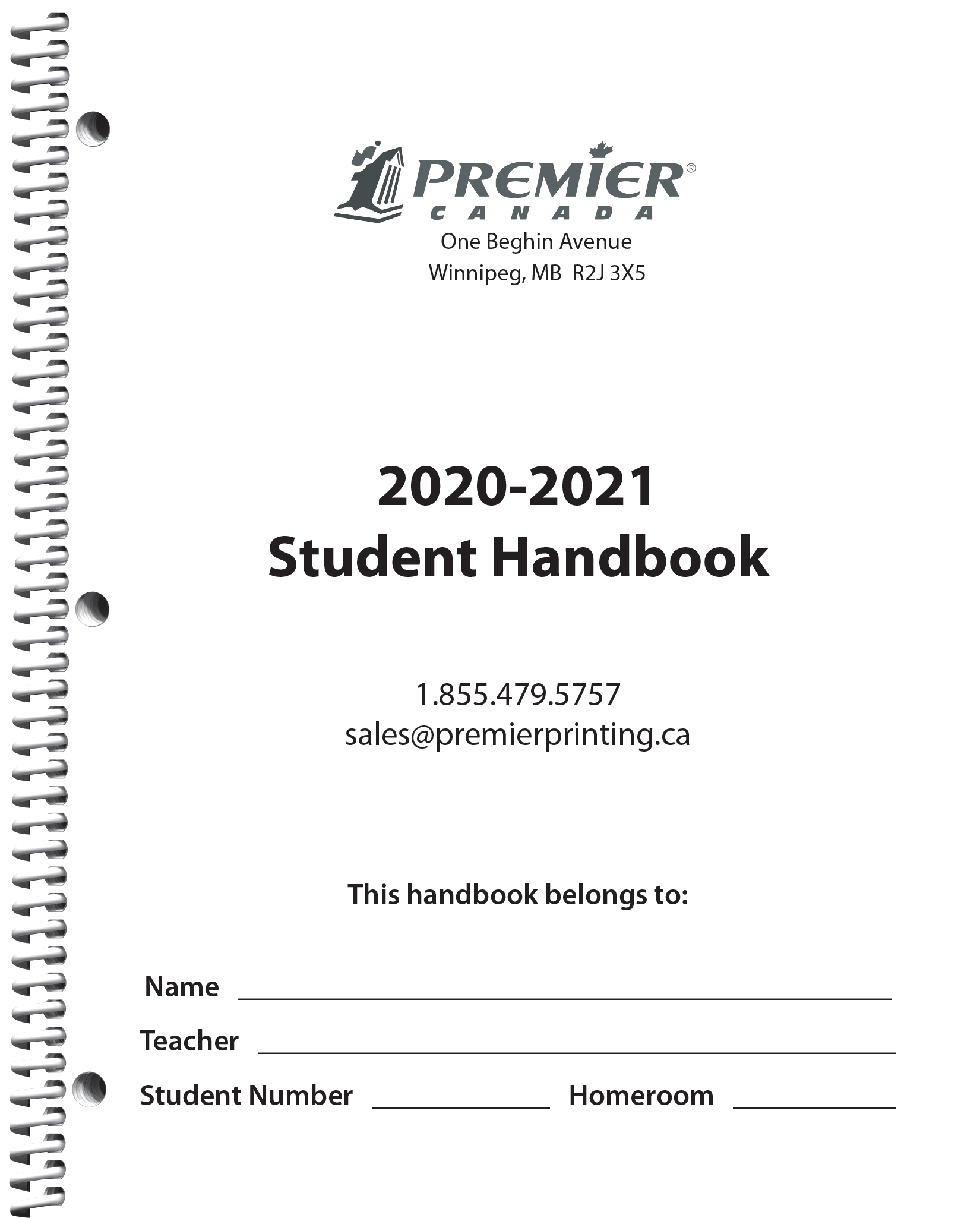
Page 1 of the template is the Title Page. Insert your school's name and logo into the red oval to ensure they shine through the cover's clear window.
Add your content below the red oval or on page 2. Check out our Custom Calendar and Quick-Pick Handbook Pages below for more content options.
All submitted handbooks must be in PDF form. For help, watch the tutorial.
When it's time to submit your materials, you'll receive an email with a link to our Online Materials Submission tool.
To prepare for submitting your materials, use the handy Submission Checklist to ensure your files are ready to go.
Check out our library of existing content pages:
Want to add a custom calendar to your handbook? Use one of our handy templates:
If you haven’t ordered a handbook, you can still create a Title Page for your planner.
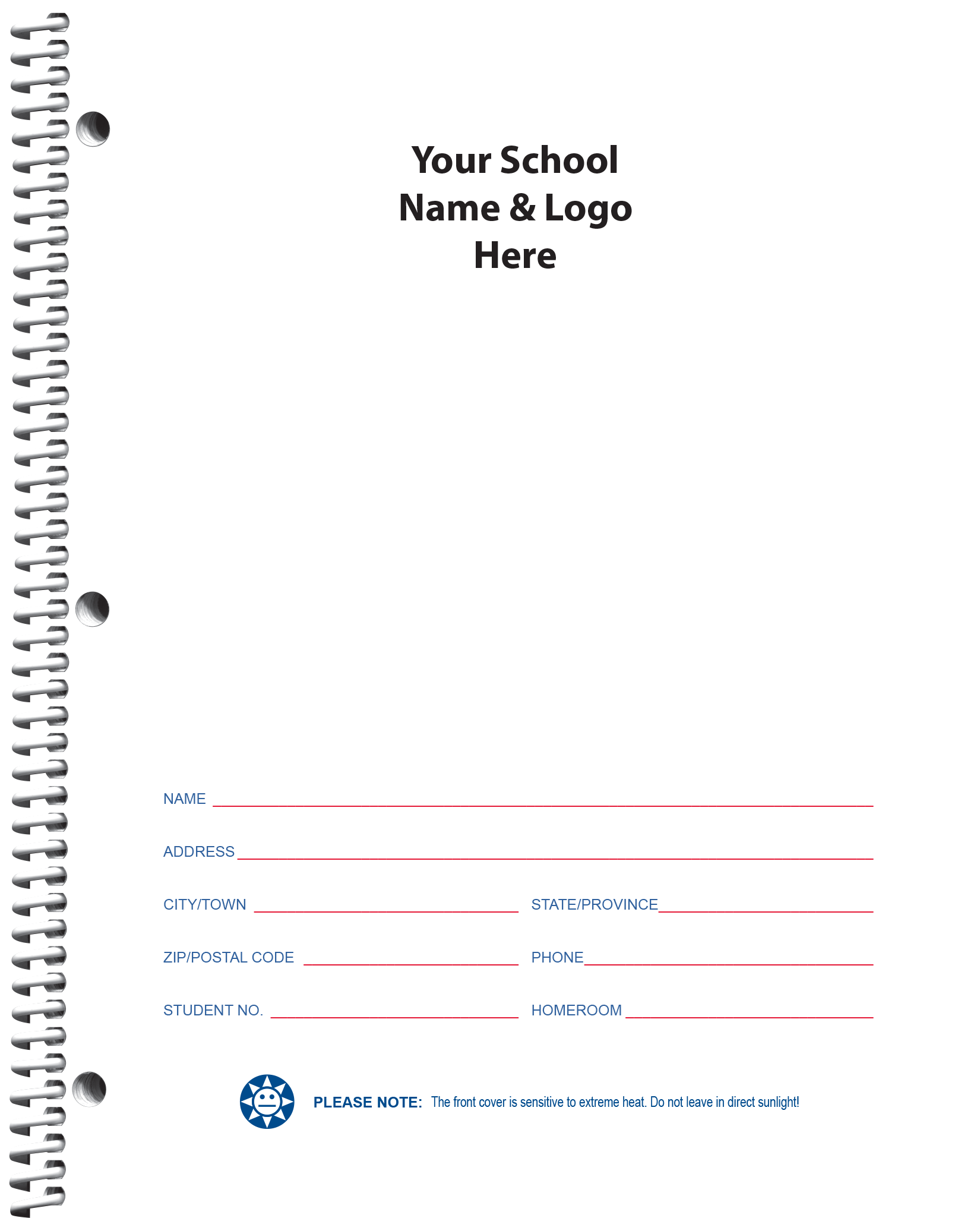
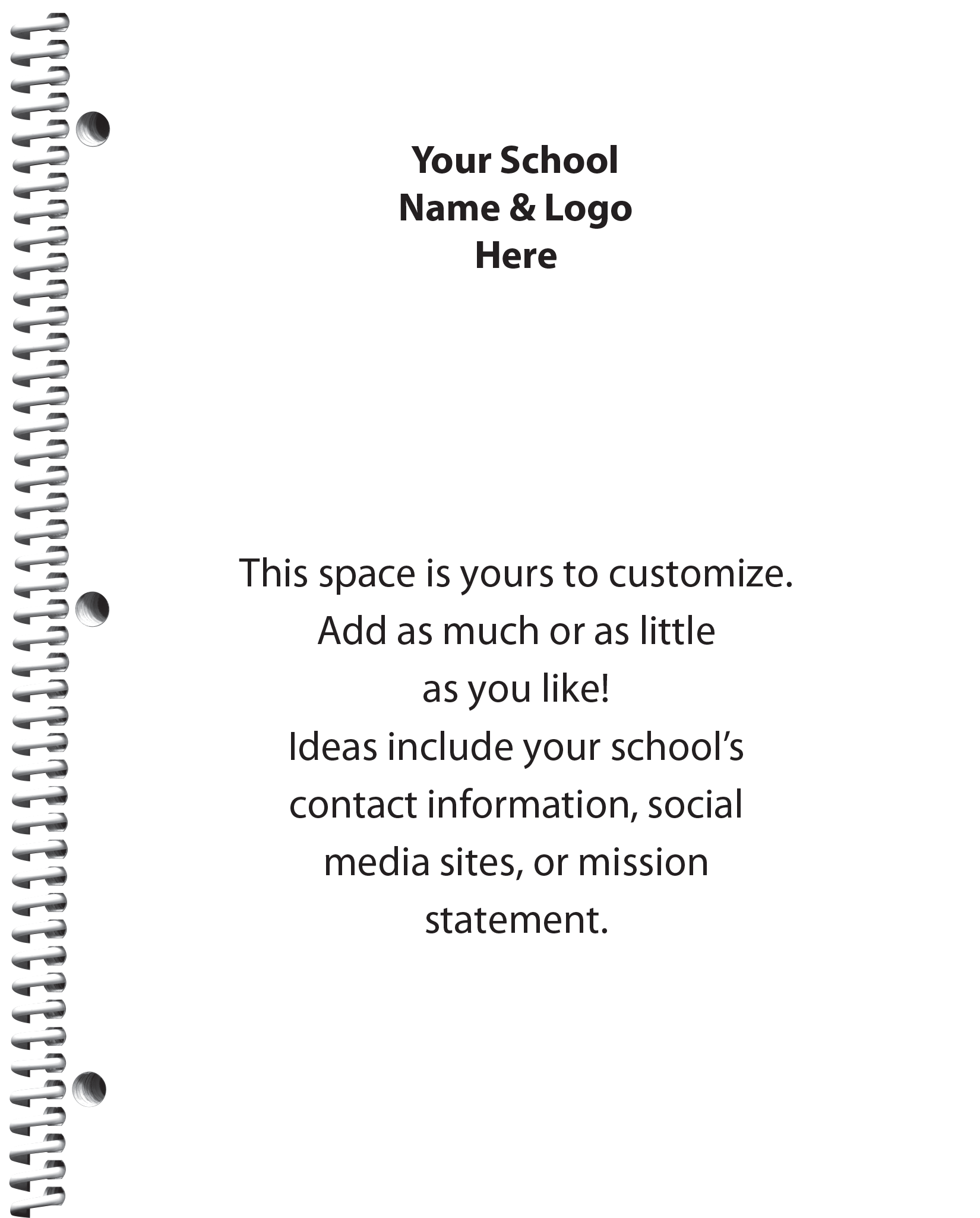
To create your title page, review our helpful instructions.
Choose the style that meets your needs.
Option 1: Name & Logo
Option 2: Custom
Insert your school's name and logo into the red oval to ensure they shine through the cover's clear window.
All submitted Title Pages must be in PDF form. For help, watch the Saving a PDF tutorial.
When it's time to submit your materials, you'll receive an email with a link to our Online Materials Submission tool.
To prepare for submitting your materials, use the handy Submission Checklist to ensure your files are ready to go.
Proudly display your school's name, logo, and colours on a semi-custom cover.
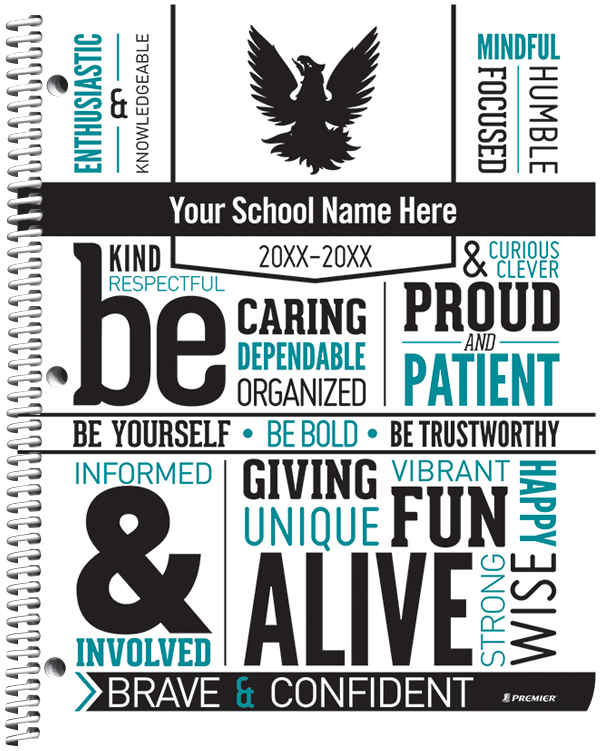
Before choosing your semi-custom cover, read our helpful instructions.
Pick from our many semi-custom cover designs on our Student Covers page.
Select 2 colours for your cover. See our colour chart for options.
When it's time to submit your selections, you will receive an email with a link to our Online Submission Tool.
Fully customized front and back covers are a fantastic way to capture your school’s unique spirit. Hold a cover-art contest, unleash your digital art students’ creativity, or choose some photos that reflect your community—the possibilities are endless!
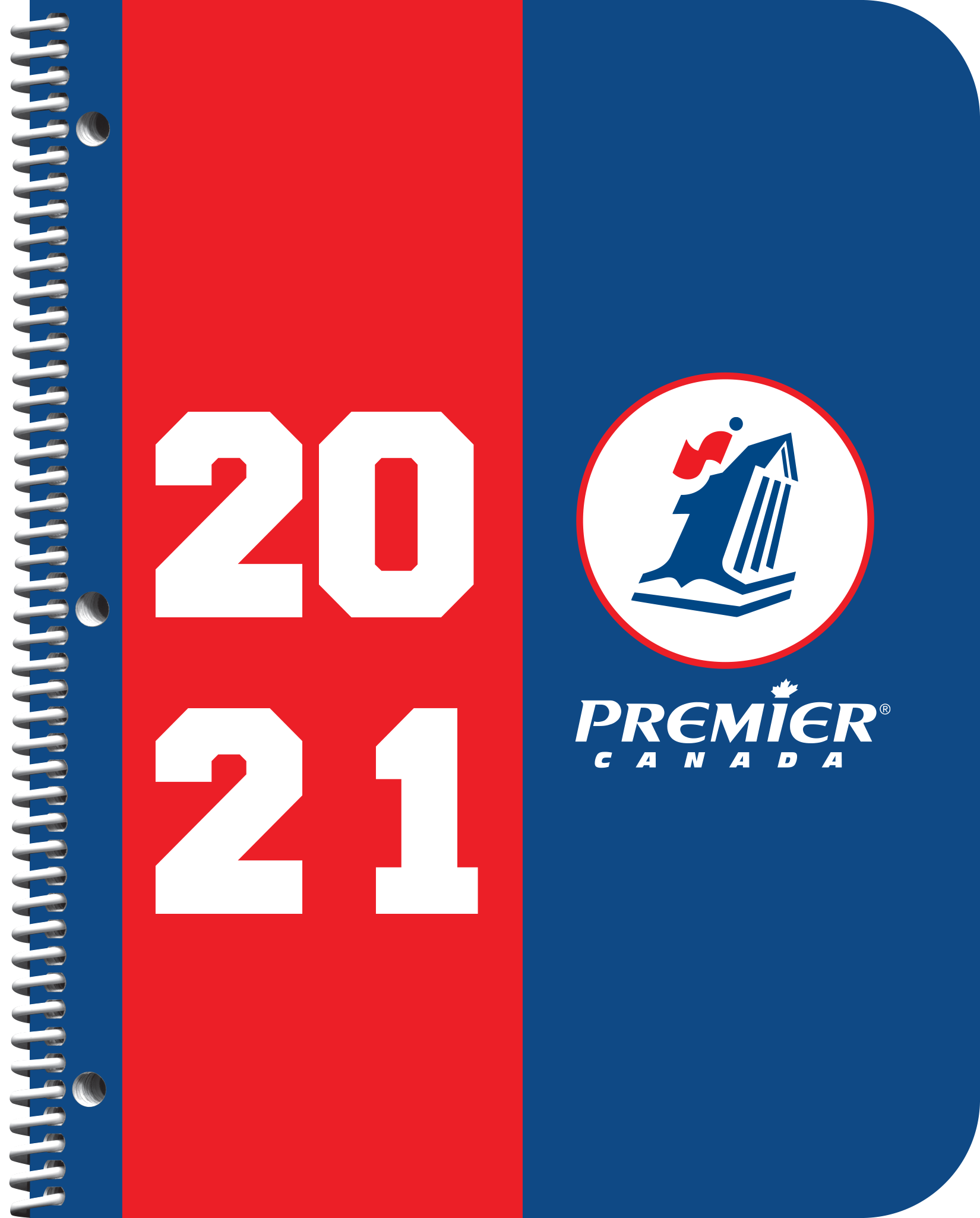

Before creating your custom cover, please review our important instructions.
To create your Custom Cover, download our Adobe InDesign template. Pick the template that matches the size of your planner!
Note: You may use other programs to create your cover; however, we are restricted to InDesign templates at this time.
Front Cover Templates
Back Cover Templates*
*If you don't want to create a Custom Inside Back Cover, you may select a pre-designed Canada Map Inside Back Cover or a 3-Year Calendar Inside Back Cover.
Once you design your custom cover, save it as a PDF file. All files must be submitted in PDF form.
For help exporting a PDF from an InDesign file, watch the tutorial.
Please follow the file naming conventions outlined in the Instruction Guide.
When it's time to submit your materials, you'll receive an email with a link to our Online Materials Submission tool.
To prepare for submitting your materials, use the handy Submission Checklist to ensure your files are ready to go.

© 2026 All Rights Reserved | Premier Canada